Every SMART repair job, from booking to signed invoice
The Smart App gives your office a jobs board, your technicians an app, and your customers updates in your own colours. Book the job, send it to the right phone, and have the invoice signed on the customer’s drive.
- 30-day free trial
- No card needed
- No contract
- Made for SMART repairers
- Jobs and signatures saved with no signal
- Each company’s data kept apart
- Your logo on every email and invoice
Built for every kind of SMART job
Wheels, paint, dents or interiors: book it, repair it and get it signed off the same way, every time.
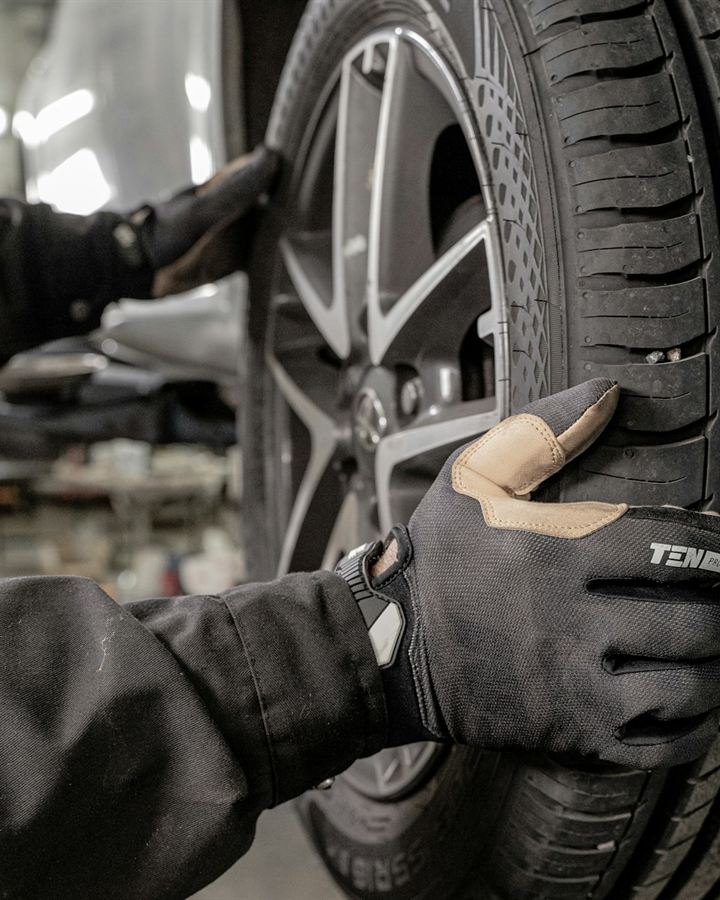
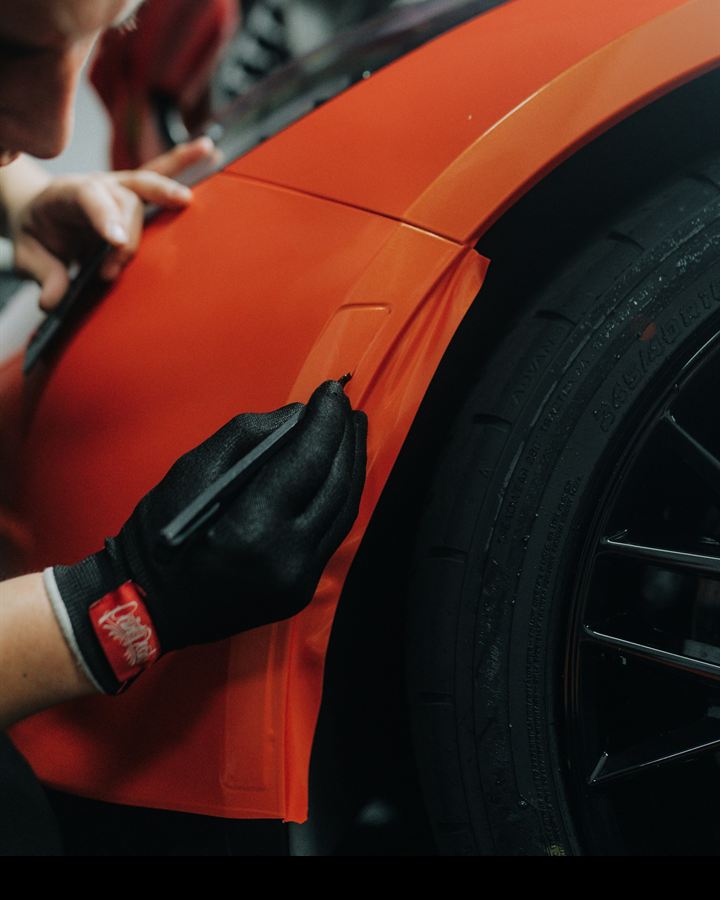
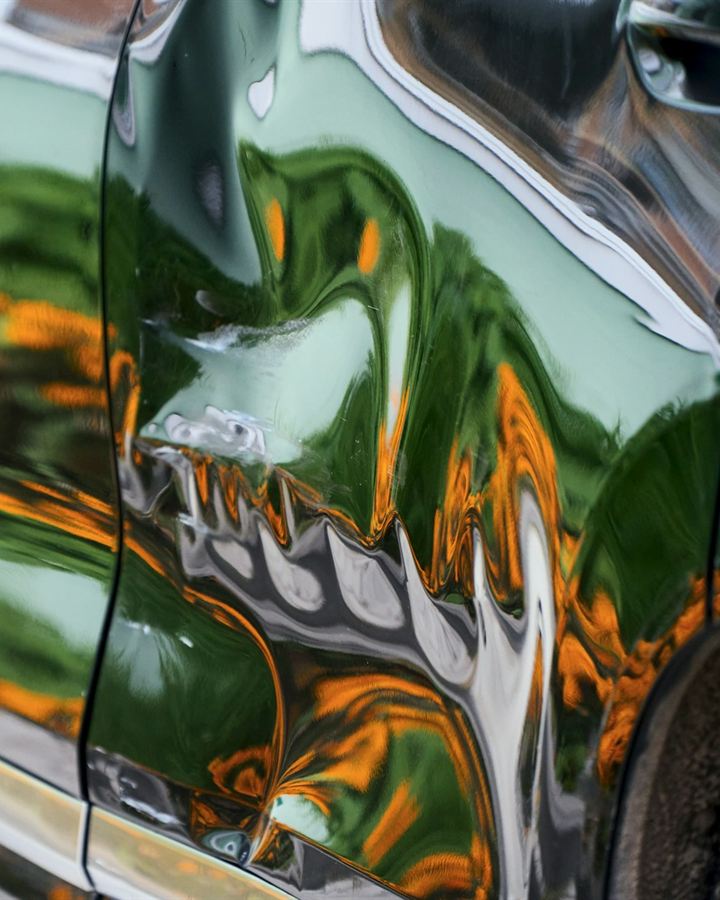

For private customers, dealers and trade accounts, fleets and insurers.
Less time on admin, more time on repairs
Book a job in minutes
Type it in while the customer’s on the phone, or upload an insurance claim form and let the app read it.
Signed on the spot
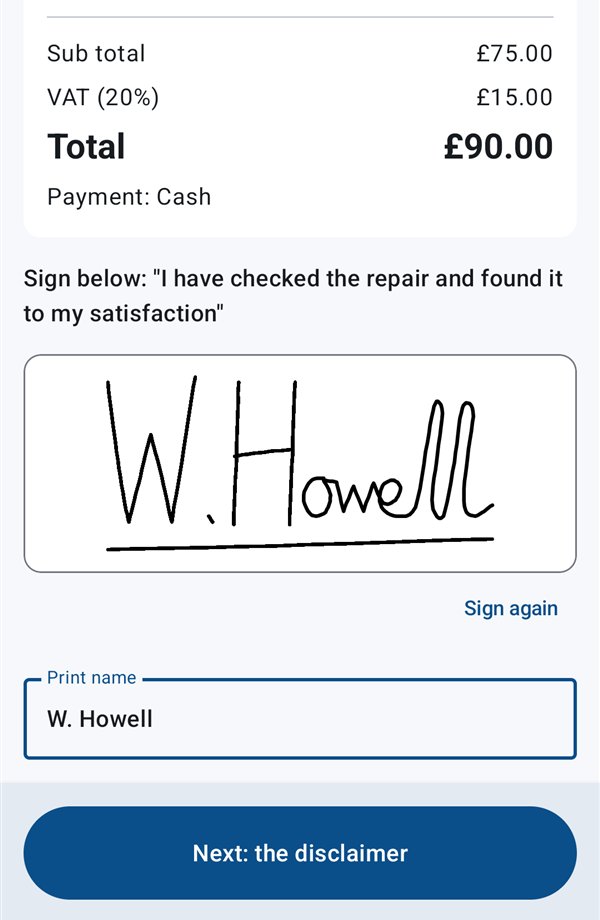
The invoice and disclaimer are filled in on the phone and signed by the customer before your technician drives away.
Paperwork without the typing
Timesheets, signed invoices and a weekly paperwork pack for every technician, ready to download whenever you need them.

Your whole team’s day on one board
See who’s where, book work weeks ahead and keep every job moving, from any computer, tablet or phone.
- Jobs board and calendar. Assign each job to a technician and a day, with morning, afternoon or set appointment times.
- Route planning. Add each technician’s home postcode and their day is put in driving order, with leave-home and arrival times.
- Booking checks. Electricity, space for the van, locking wheel nut, clean wheels. Any “no” is flagged.
- Quotes that turn into jobs. Email a price, the customer accepts it online, and it’s booked in with one click.
- Money owed. What’s due, what’s overdue and what’s paid, with signed invoices going into Xero.
- Timesheets and statistics. Built from finished jobs, with figures by week, by technician and by insurer or dealer.
- Full job history. Every change recorded and every job searchable, for when a customer calls back.
Everything they need, on their phone
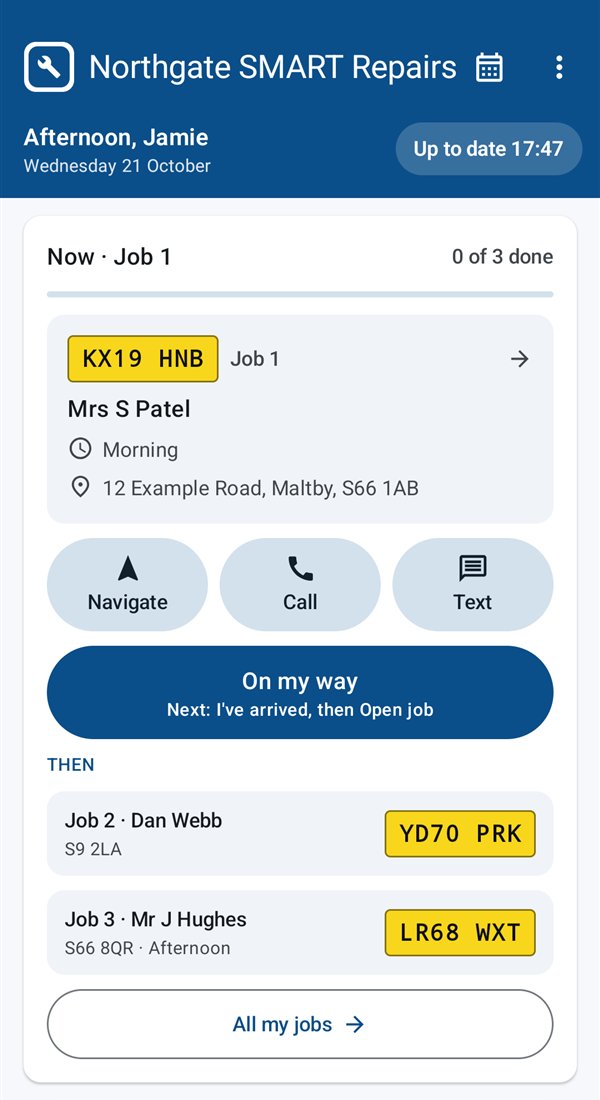
A simple Android app that shows the day’s work and gets the paperwork signed before they leave.
- Today’s jobs in driving order, with big buttons for directions, a call, or a ready-written “on my way” text from their phone.
- The customer, car, work and booking checks for every job, plus notes from the office.
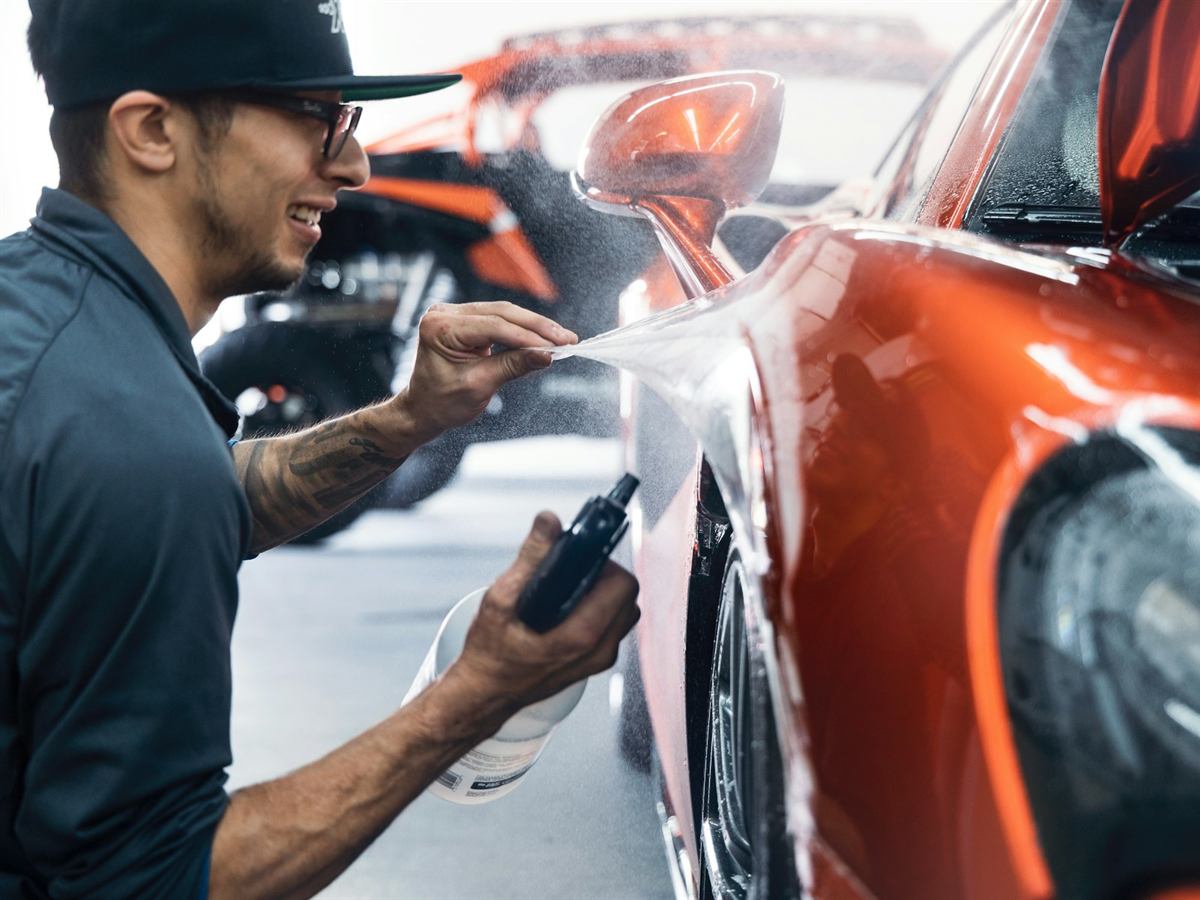
- A Before and After photo for each repair, and any extra damage sent to the office to authorise.
- Invoice and disclaimer signed with a finger, using the number from your own invoice book.
- Quote a job on the road. The app asks for everything the office needs, and the customer is emailed to say you’ll be in touch.
- Keeps going with no signal. Jobs, photos and signatures are saved on the phone and sent when there’s coverage.
Finished before they leave the drive
No more chasing signatures or retyping invoices at the end of the week.
- Signed PDFs in the office as soon as the phone has signal: the invoice and the customer’s disclaimer, with your logo and details.
- A weekly paperwork pack for each technician: timesheet, invoices and disclaimers in one download.
- Spreadsheets for your accountant: timesheets and fuel reports, as CSV files that open in Excel.
- Invoices made out correctly to the customer, the dealer’s account or the insurer.
Kept informed, in your colours
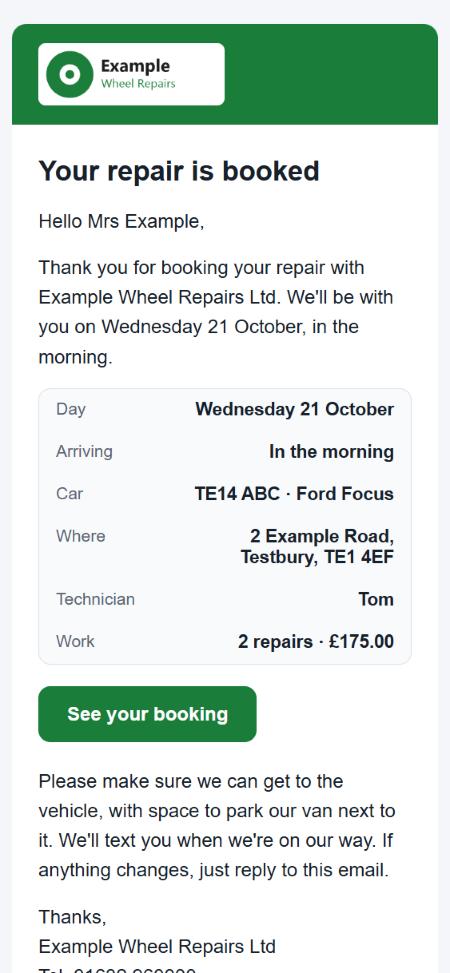
Every email, page and PDF carries your logo, colour and details, so customers hear from you, not from us. You choose which go by themselves.
- A booking confirmation and a reminder the day before, and again if the day changes.
- “Your repair is finished”, with their before and after photos, the paperwork and how to pay.
- Insurance customers never see a price. They’re booked in and reminded, but the invoice, paperwork and photos stay between you and the insurer.
- A “Get a price” page to link to from your own website, with the customer’s photos arriving on your Quotes page.
Made around the way SMART companies work
Claim forms read for you
Upload a PDF, screenshot or photo and the customer, car, claim number and work are filled in. Anything it can’t read is highlighted for you to type. More on claim forms
Work that can’t be repaired
Marked with the reason, by the office or on site, so the customer, dealer or insurer can be told.
Always up to date
New jobs, changes and extra work go to the technician’s phone as soon as they’re saved.
Notes to technicians
Dated notes from the office on each job, shown first on the phone with a notification.
Vans, MOTs and mileage
MOT and service reminders, and weekly mileage sent from the technician’s phone.
Fuel cards and receipts
Card details shown only after unlocking, and fuel receipts read from a photo.
Roles for your team
Owners, managers, office staff and technicians each see only what they need.
Automatic tidy-up
Choose how long claim forms, photos and jobs are kept. Anything older is deleted every night.
Several cars, one visit
More cars for the same customer on the same day, each with its own work, photos and invoice.
Time off
Technicians ask for holidays from the phone, and the office sees who’s off before booking work.
Your own price list
Your usual prices, picked in the office or when quoting on the road, so every quote and invoice matches.
Saved customers
Dealers, trade accounts and regular customers saved once and picked next time.
Up and running in three steps
Book a demo or start a trial
We’ll show you The Smart App working with jobs like yours, or set you up with a 30-day free trial.
We set it up with you
Your company details, logo, booking checks and price list and, for insurance work, a check that your claim forms read well.
Your team gets going
The office logs in on the website, and technicians download the app and log in with their own username.
Simple pricing, no contract
You pay for the technicians out on the road. Office staff, managers and owners use it free.
- Every feature included, office website and technician app.
- Set up with you, at no extra cost.
- Your data is yours. Download every job, invoice, photo and timesheet whenever you like.
- Unlimited jobs, customers and office users
- Android app for every technician
- £40 a month covers your first 2 technicians
- Monthly, cancel any time
No card needed for the trial.
Frequently asked questions
We don’t do insurance work. Is it for us?
Yes. Private customers, dealer and trade accounts, fleet work and insurance claims all run through the same app. Reading claim forms is there for the companies that take insurance work.
Do I have to sign a contract?
No. It’s monthly and you can stop at any time. You can download all of your data before you go.
Which claim forms can it read?
PDFs, screenshots and phone photos of claim forms. It reads the customer, car, claim number and work wherever it can find them, and anything it couldn’t read is highlighted for the office to type. Send us a few of the forms you receive during your trial and we’ll check how well they read.
What happens if a technician has no signal?
The app keeps working. Jobs, photos, signatures, quotes and fuel receipts are saved on the phone and sent as soon as there’s coverage. Asking for time off, the timesheet, sending the weekly mileage and showing the fuel card need signal.
Can we keep our own invoice book numbers?
Yes. Technicians use the number from their own invoice book, the app suggests the next one, and the office can correct a number if needed.
Does it work on iPhone?
Not yet. The technician app is for Android phones. The office website works on any computer, tablet or phone.
Do insurance customers see the price?
No. Insurance customers are booked in, reminded and sign the satisfaction form on the phone, but they never get the invoice, the price, the photos or a copy of the paperwork. That stays between you and the insurer.
Does it connect to Xero or QuickBooks?
Xero, yes. Signed invoices go into your Xero, as drafts to approve or as approved invoices, either one at a time or by themselves within about ten minutes of the customer signing. QuickBooks isn’t connected yet. Timesheets and fuel reports download as CSV files that open in Excel, for your accountant.
See The Smart App with your own jobs
Book a 20-minute demo, or start your free trial today.